AI-First Tagging
Forget manual keyword lists. Nexa analyzes every pixel to generate context-aware tags like "golden hour," "minimalist," or "indoor portrait" automatically, saving your team hours of administrative work.
Visual intelligence, precisely delivered. Not all image management tools are built for the speed of modern creative workflows.
If your team is still drowning in a library of untagged assets, you aren't alone. But the solution isn't just a bigger server room—it's a smarter way of thinking about visual data.
The Legacy System
For decades, Digital Asset Management (DAM) systems were the gold standard for organizing brand assets. They offered centralized storage, version control, and permissions management.
The strength: A traditional DAM excels at file storage and security. It ensures that the "marketing_v2_final_final.pdf" version is always the one that gets used, preventing brand inconsistency.
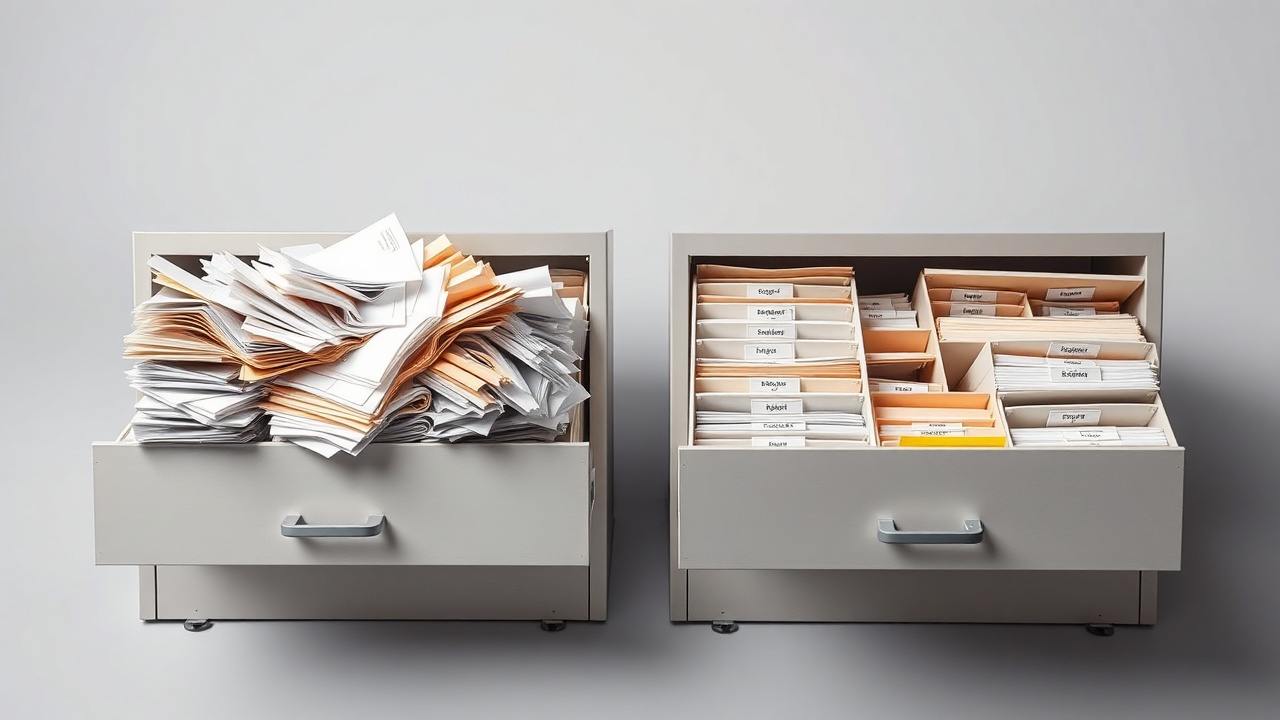
The struggle: However, these systems were built for static files, not intelligent data. They require manual tagging, complex metadata entry, and a steep learning curve that often frustrates creative teams. Searching is often keyword-based rather than concept-based, meaning you have to know exactly what you're looking for before you can find it.
When you combine this rigidity with the need for real-time collaboration, traditional DAMs often become digital silos—places where files go to live, but where they are rarely found.
Modern creative teams need a system that understands their intent, not just their file path.
The New Standard
Nexa replaces the friction of manual organization with intelligent automation. It’s not just a vault; it’s a visual understanding engine.
Forget manual keyword lists. Nexa analyzes every pixel to generate context-aware tags like "golden hour," "minimalist," or "indoor portrait" automatically, saving your team hours of administrative work.
Nexa plugs directly into your existing stack—Figma, Slack, Adobe Creative Cloud. It doesn't require your team to change their workflow; it enhances it with zero overhead.
Designed for the way creatives actually work. Fast, intuitive, and focused on discovery rather than navigation. Nexa gets out of the way so your team can focus on creating.
The Breakdown
See how the capabilities stack up when it comes to speed, intelligence, and usability.
| Feature | Traditional DAM | Nexa |
|---|---|---|
| Tagging Method | Manual entry required | AI-powered automation |
| Search Speed | Relies on static metadata | Semantic search in < 0.5s |
| Integration | Often requires plugins | Native integrations |
| Learning Curve | Steep, complex UI | Intuitive, instant setup |
| Use Case | Large-scale storage & security | Speed, discovery & workflow |
To determine which solution fits your current stage, ask yourself these five questions.
If your team spends more time filing assets than creating them, it's time for automation.
If you search by concept ("warm sunset beach") rather than filename, Nexa understands you better.
If your designers and marketers struggle to share assets, a centralized, integrated platform is essential.
Nexa scales with your content; traditional DAMs often hit performance bottlenecks with millions of files.
If you need instant access to assets, Nexa is the faster path to productivity.
See how Nexa transforms your image library into a searchable asset engine. Join 12,000+ creative teams.